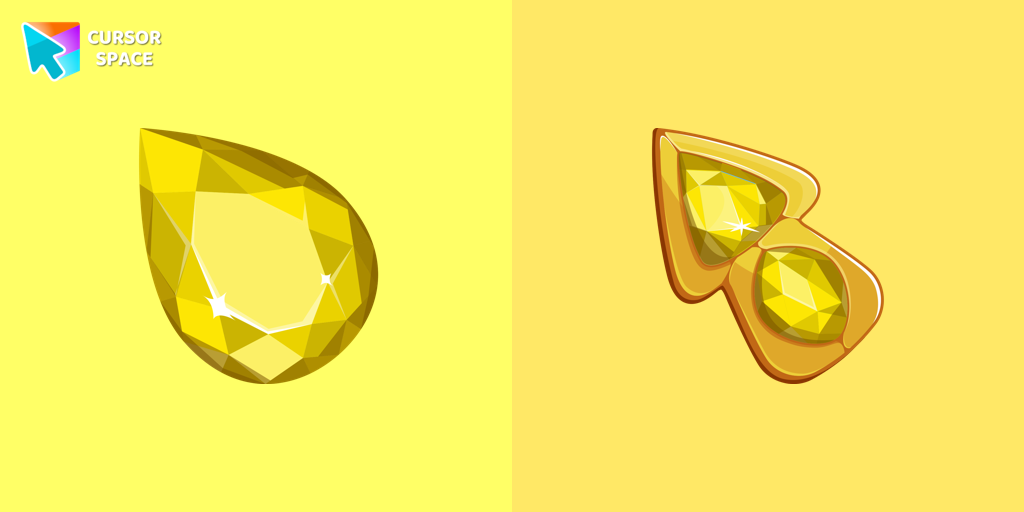
Crystal Drop Cursor
Try this cursor
Preview Crystal Drop Cursor in this sandbox. Hover and click - no extension needed for a test on this page. Download PNG, JPG, or CUR
Move here to see the default cursor
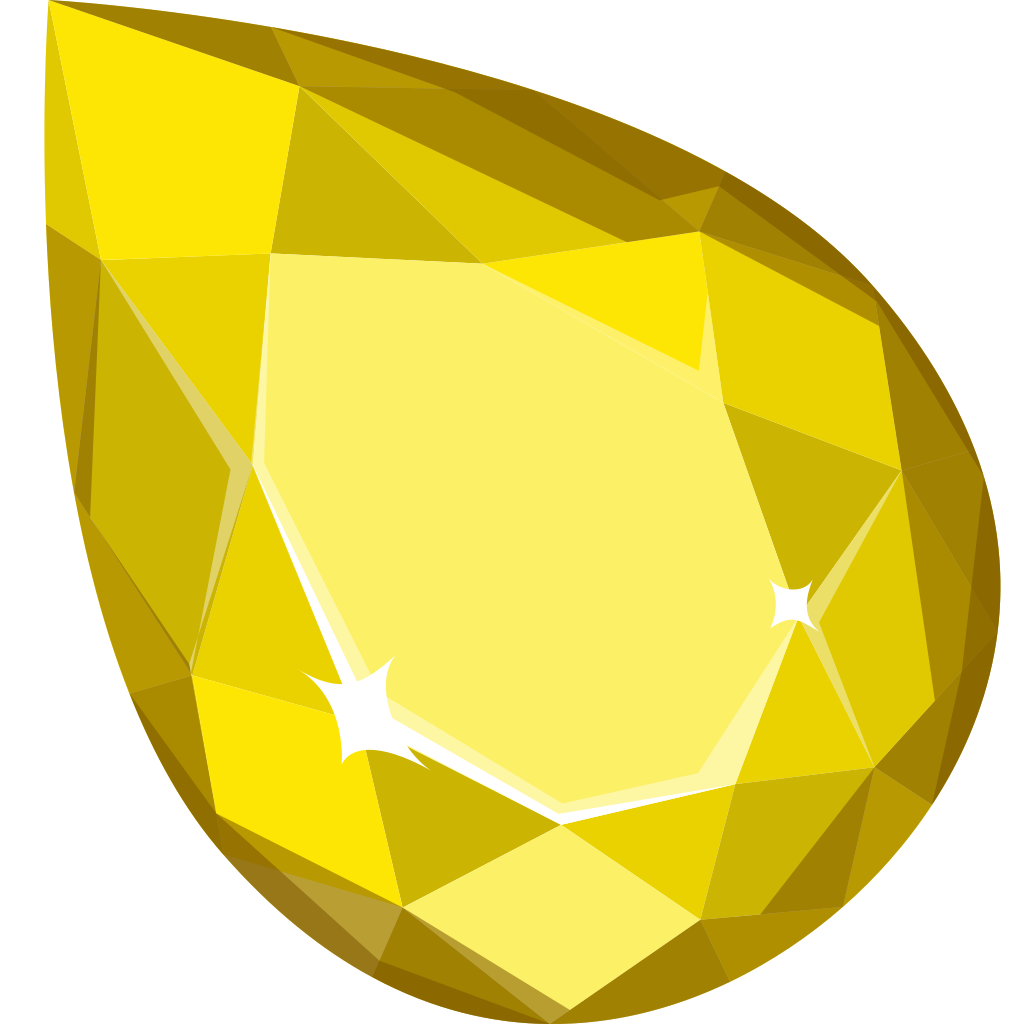 DefaultMove around the board
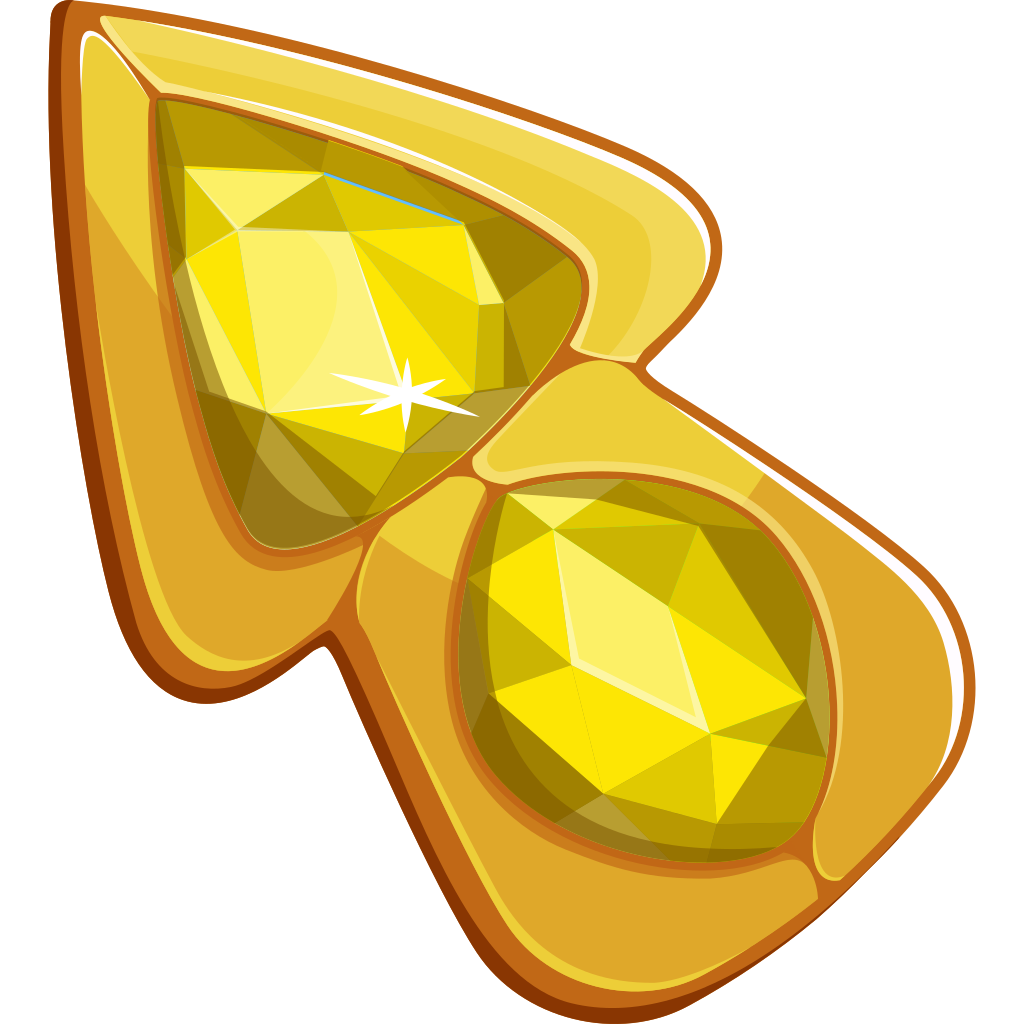 PointerHover a button or link
Description
Enhance your mouse cursor with The Crystal Drop from our custom cursors collection for Chrome. This elegantly designed cursor set brings a touch of sophistication to your browsing experience. Enjoy the seamless hover effect and make your cursor truly exceptional. Discover the Cursors collection now and elevate your cursor experience with The Crystal Drop cursor and pointer.
What's included in the package
- Default Cursor
- Pointer (Hand)
How to install a custom cursor pack Crystal Drop Cursor
Install the Cursor Space extension for Chrome or Cursor Space for Edge in your browser.
On this page, click "Add this cursor pack to the extension".
Open the extension and go to the Packs tab.
Find the custom cursor pack "Crystal Drop cursor" and click it.
Enjoy!
Ready to install?
Get this cursor pack and thousands of others by installing our extension. It's fast and free!
Install for ChromePopular cursors today
Custom cursor and packs - neon, anime, pixel art. Quickly add to Chrome and Microsoft Edge for free
- Top 1
 Snowman Minecraft cursorEnhance your browsing experience with the authentic Snowman custom cursor, inspired by Minecraft.
 - Top 2
 Metal Sonic cursorThe custom cursor for the mouse and pointer from our Sonic collection will allow you to navigate the tab at the speed of a Metal Sonic.
 - Top 3
 Wish Bear cursorA yellow shooting star as a cursor for the mouse and a Wish Bear pointer will look pretty nice on your screen.
  Uka cursorThis cutest, smallest, and youngest Ongis of the trinity is a custom cursor for mouse and pointers from the adorable custom cursors collection.
 Contemporary cursorEnhance your desktop with our Contemporary Cursor Pack, showcasing modern custom cursor designs. Personalize your experience with a sleek and unique style.
 Arrow cursorEnhance your browsing with The Arrow – a custom cursor that’s cute, unique, and full of charm. Say goodbye to boring cursors and add a playful touch to your screen!
 Stuart the Minion cursorWe suggest you, too, relax while surfing the web with a custom cursor with Stuart the Minion.
 Shun Kaidou cursorShun Kaidou custom cursor from our The Wishes cursors collection for mouse and pointer.
 Santa Claus cursorStraight from his residence in Lapland, Santa attended our Merry Christmas and Happy New Year custom cursors collection for Chrome as a custom cursor for the mouse.
 Pac-Man Pixel cursorPac-Man custom cursor from our Cute Pixel cursors collection for mouse and pointer.
Collection hits
Installation leaders from "The Cursors": free packs, neon/anime/pixel art, quick add to Chrome and Edge.
- Top 1
 Game cursorDiscover custom cursors for Chrome. From Game to Mechanical, find the perfect design to express your style and elevate your browsing.
 - Top 2
 Green cursorEnhance your browsing experience with the charming Green custom cursor, a delightful upgrade that transforms your ordinary pointer with style and playfulness.
 - Top 3
 Sea cursorIntroducing our unique nautical cursor for web navigation! The charming Sea cursor is a great addition to your screen as a mouse pointer.
  Ghost cursorUnleash the fear with The Ghost custom cursor for Chrome. Add a spine-chilling touch to your screen and conquer your Samhainphobia!
 Labyrinth cursorTransform your screen with our unique labyrinth custom cursor, perfect for adding timeless intrigue to your journey.
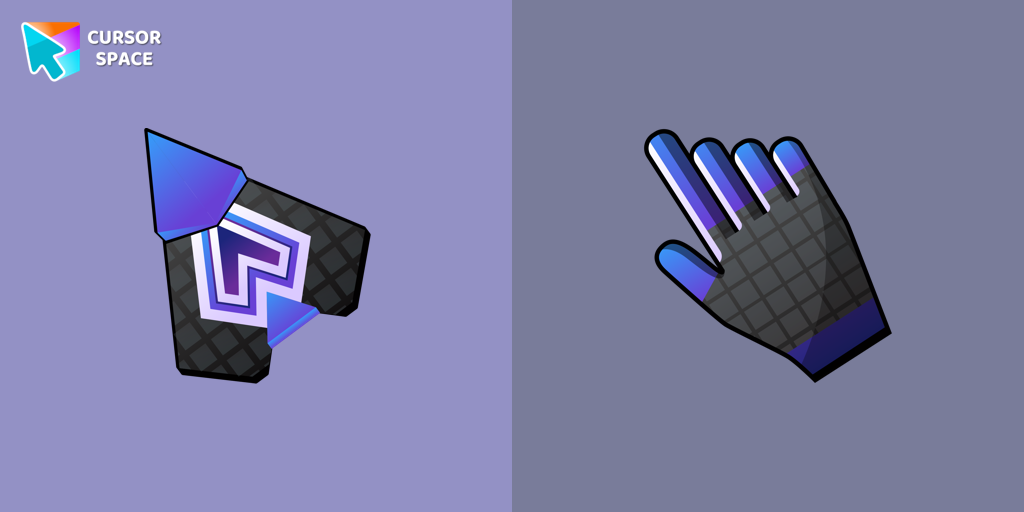 Spaceship cursorEmbark on a cosmic adventure with our custom cursor spaceship design—sleek, stylish, and crafted for an extraordinary browsing experience!
 Spinner cursorThe Spinner cursor is a distinctive and visually appealing choice for your mouse cursor, providing an opportunity to set yourself apart from the default cursor.
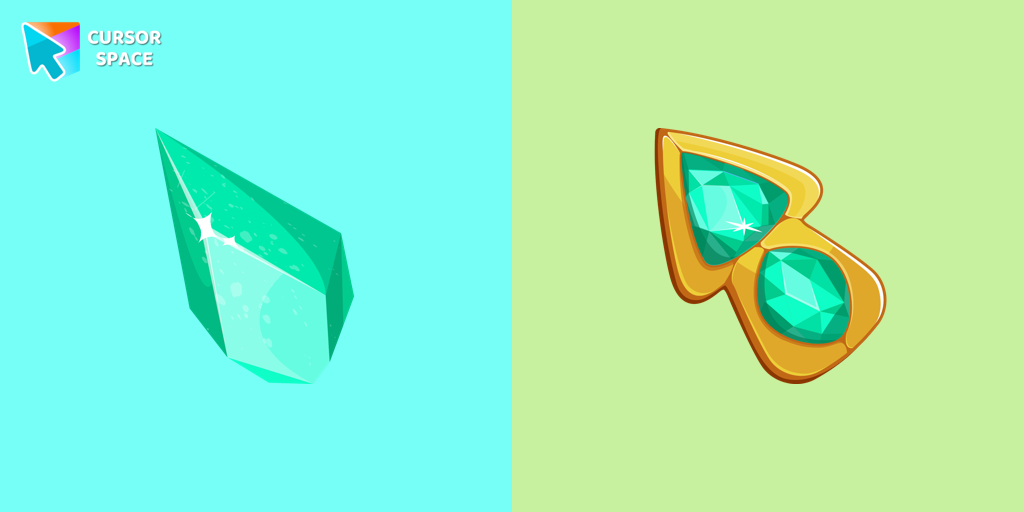 Green Amethyst cursorUpgrade your browsing with the Green Amethyst custom cursor! Elegant and unique, it adds a touch of beauty to your screen. Make your pointer shine today!
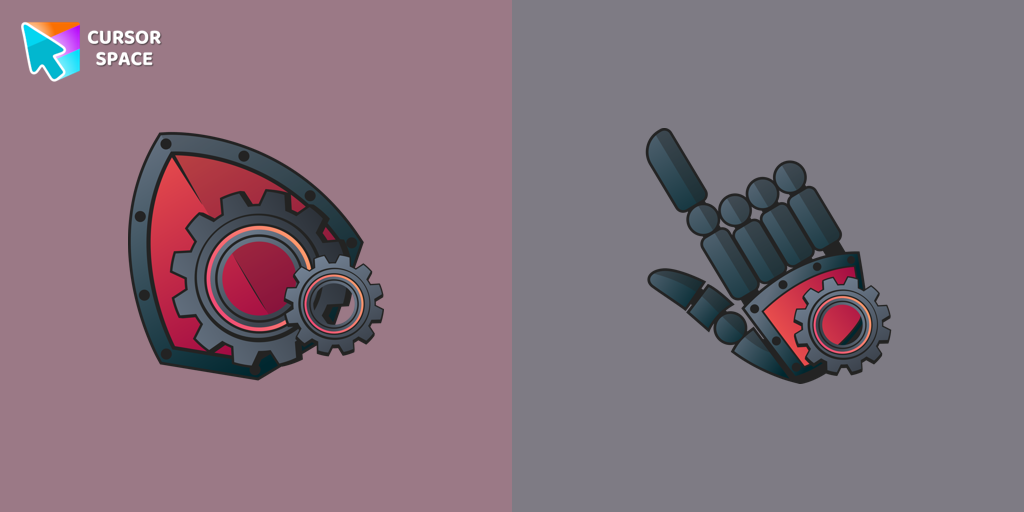 Mechanical cursorUpgrade your desktop with the Mechanical custom cursor, a sleek blend of technology and elegance for a futuristic browsing experience.
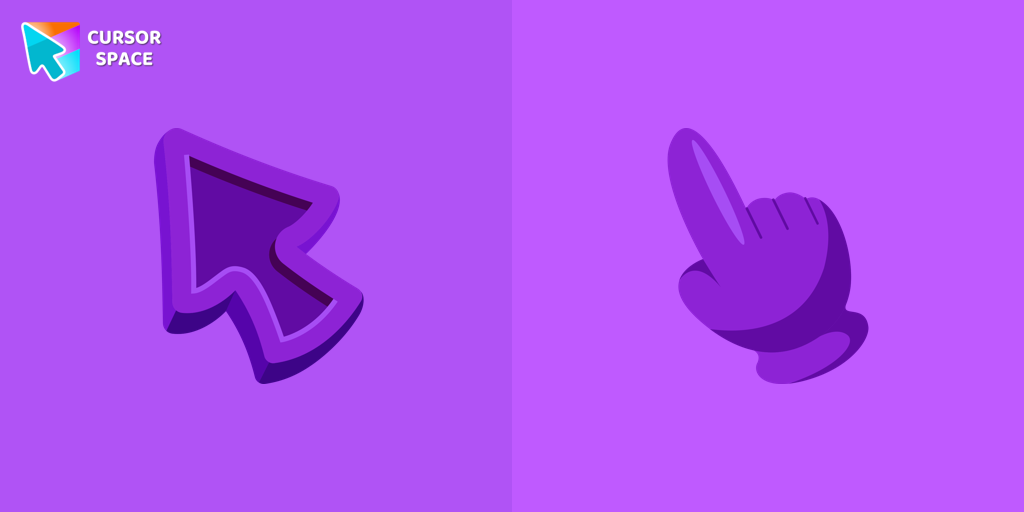 Purple cursorWelcome to our Cursors custom collection for Chrome, featuring a stunning purple cursor to enhance your browsing experience.
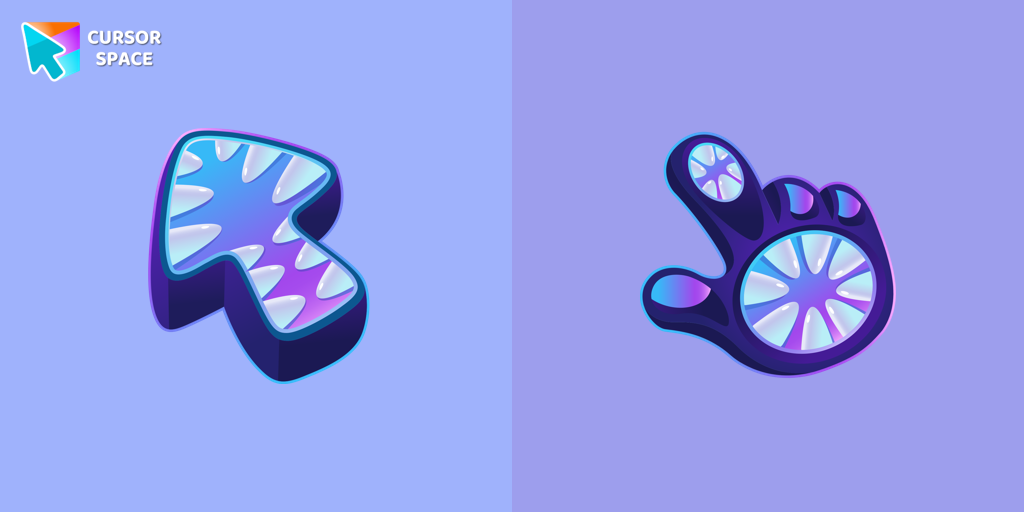 Monster cursorElevate your cursor game with our Monster custom cursor. Discover unique designs for Chrome and stand out with style and creativity.
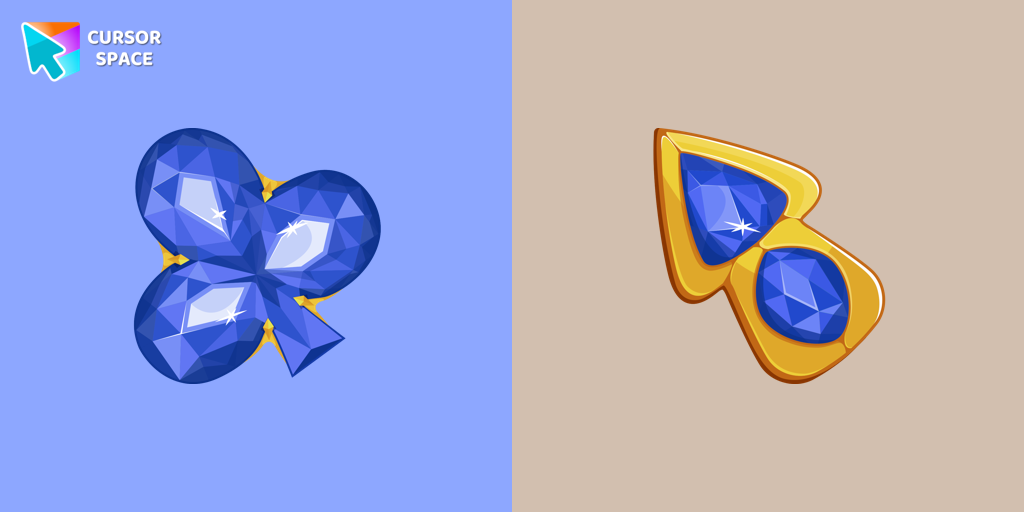 Blue Diamond cursorThis blue cursor is the perfect choice if you're looking to add some charm and interest to your default mouse pointer.
Install Cursor Space - A Collection of Custom Cursors for Chrome & Edge
Add packs instantly and unlock access to thousands of cursors: neon, anime, pixel-art, and more. Fast, safe, and free.
- Free cursor packs
- HD/HiDPI & animated icons
- Quick browser installation
Cursor Space is an extension for changing your mouse cursor in Chrome and Edge browsers: themed collections, HiDPI icons, neon, animated, and pixel cursors, with quick installation.