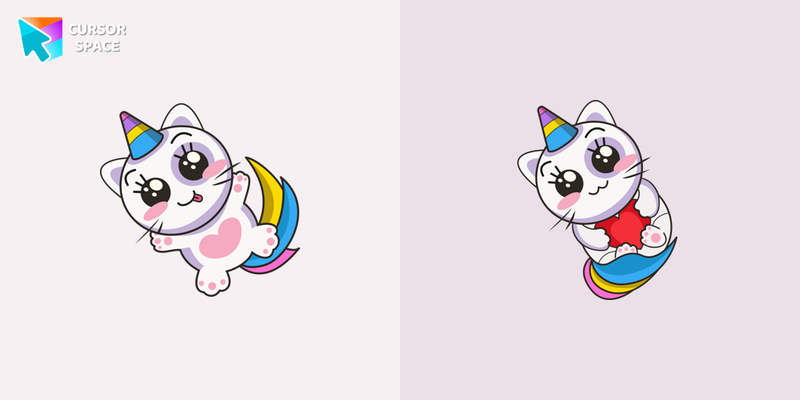
Kawaii Unicorn Cursor
Try this cursor
Preview Kawaii Unicorn Cursor in this sandbox. Hover and click - no extension needed for a test on this page. Download PNG, JPG, or CUR
Move here to see the default cursor
 DefaultMove around the board
 PointerHover a button or link
Description
What's included in the package
- Default Cursor
- Pointer (Hand)
How to install a custom cursor pack Kawaii Unicorn Cursor
Install the Cursor Space extension for Chrome or Cursor Space for Edge in your browser.
On this page, click "Add this cursor pack to the extension".
Open the extension and go to the Packs tab.
Find the custom cursor pack "Kawaii Unicorn cursor" and click it.
Enjoy!
Ready to install?
Get this cursor pack and thousands of others by installing our extension. It's fast and free!
Install for ChromeAbout this cursor pack
Kawaii Unicorn Cursor is a themed cursor pack you can add to your browser to personalize your pointer across common cursor states (default and pointer). Use it for everyday browsing, streaming, studying, or gaming-anywhere you want your cursor to match your vibe.
Instant preview
See how the cursors look before installing.
Easy install
Add the pack to the extension in a few clicks.
Works in your browser
Designed for Chrome and Edge via the extension.
FAQ
Quick answers to common questions about cursor packs, collections, and installation.
Do I need an extension?
Yes. To apply cursor packs in Chrome or Edge, install the Cursor Space extension and add this pack to it.
Which browsers are supported?
Cursor packs are designed for Chromium browsers like Chrome and Microsoft Edge.
How do I switch back to the default cursor?
Open the extension, choose another pack or disable the current one to return to your default cursor.
Can I try the cursor before installing?
Yes. Use the Try this cursor section on this page to preview default, pointer, and other states. Add the pack to the extension to use it across the web.
Can I download the cursor files?
Yes. Open Download files on this page for Arrow and Pointer PNG, JPG, and CUR (hotspot included). You can also copy CSS, Roblox, Unity, and Godot snippets.
Popular cursors today
Custom cursor and packs - neon, anime, pixel art. Quickly add to Chrome and Microsoft Edge for free
- Top 1
 Upside down cursorHave fun with the Upside Down custom cursor prank. This custom cursor for Google Chrome flips the screen, confusing friends and bringing endless laughs.
 - Top 2
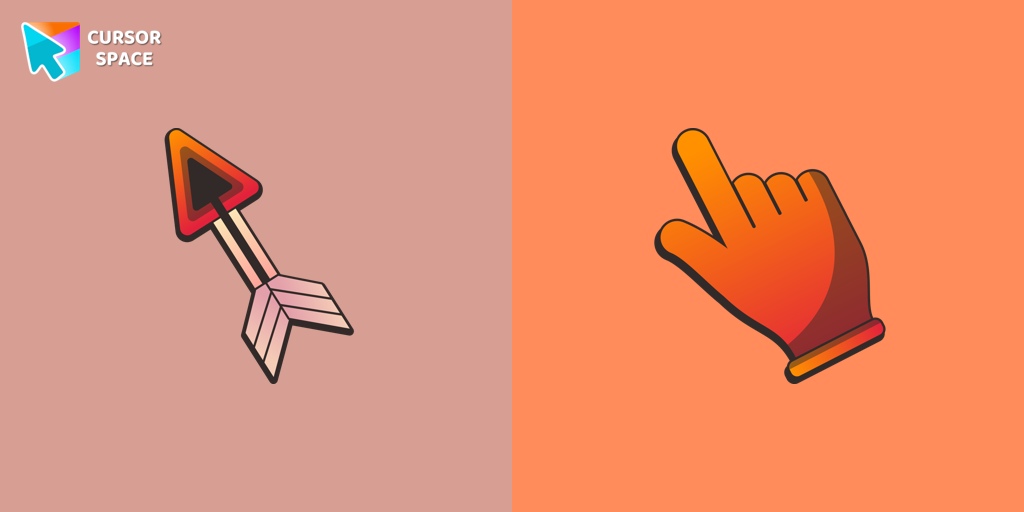 Arrow cursorEnhance your browsing with The Arrow – a custom cursor that’s cute, unique, and full of charm. Say goodbye to boring cursors and add a playful touch to your screen!
 - Top 3
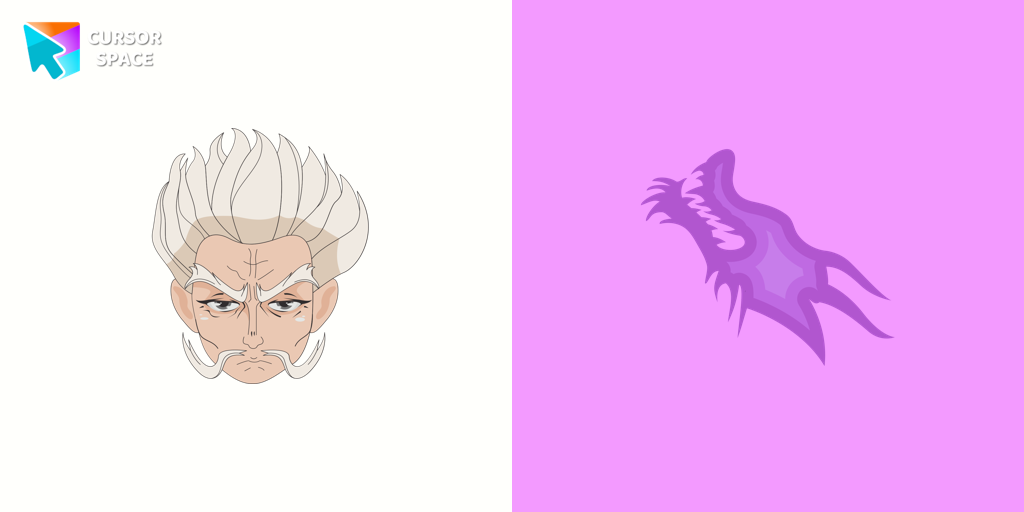 Zeno Zoldyck cursorZeno Zoldyck cursor for mouse and custom hover pointer with spiritual power in the form of a dragon in a Hunter × Hunter collection of custom cursors.
 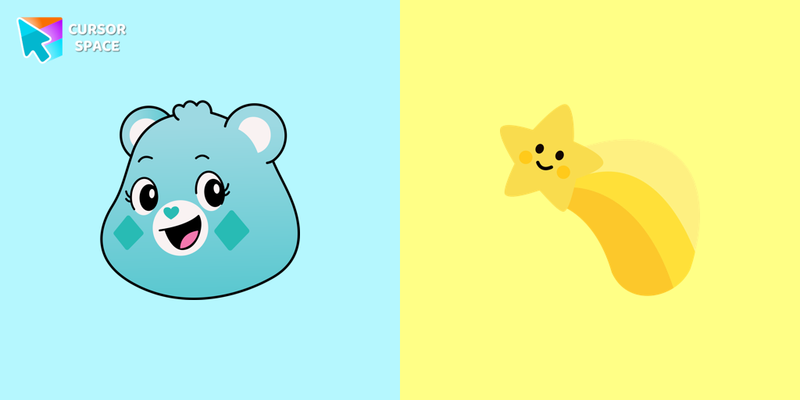 Wish Bear cursorA yellow shooting star as a cursor for the mouse and a Wish Bear pointer will look pretty nice on your screen.
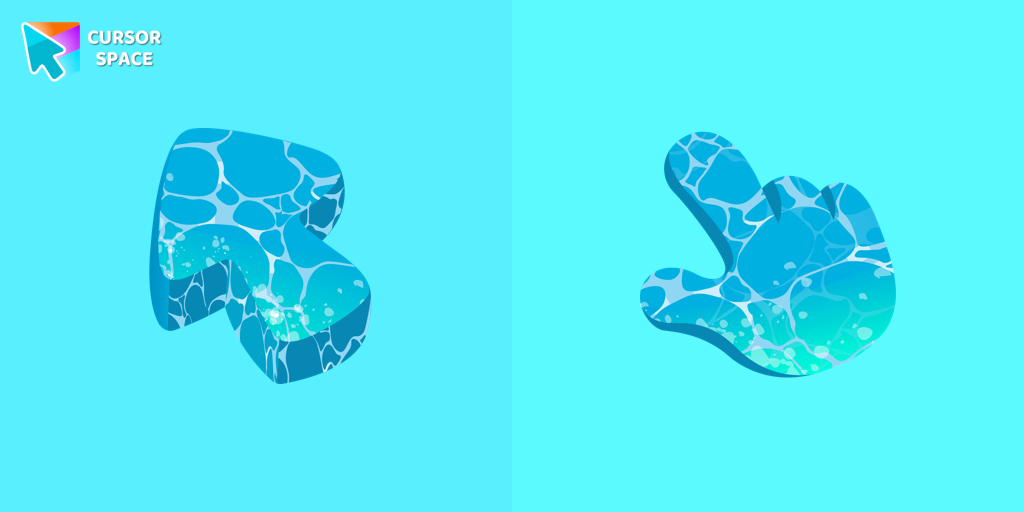 Water Texture cursorWater is interesting because it can be in different forms. It can be solid like ice, gas like steam, and even turned into a special cursor for your mouse.
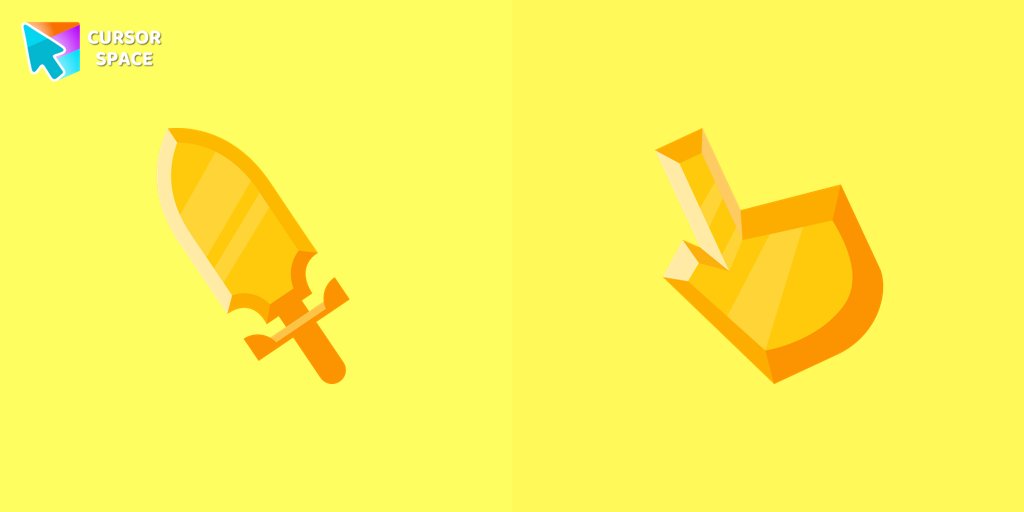 Sword cursorBegin an adventure with our Sword custom cursor. Turn your browsing experience into a journey of precision and style.
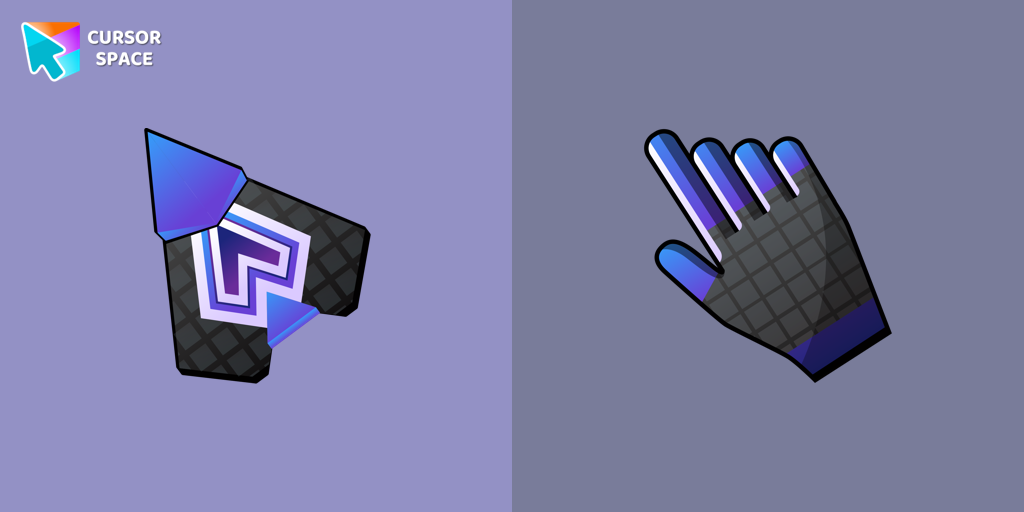 Spaceship cursorEmbark on a cosmic adventure with our custom cursor spaceship design—sleek, stylish, and crafted for an extraordinary browsing experience!
 Ring cursorEnhance your desktop with The Ring custom cursor. Its sleek, animated ring design adds elegance and focus to your workflow.
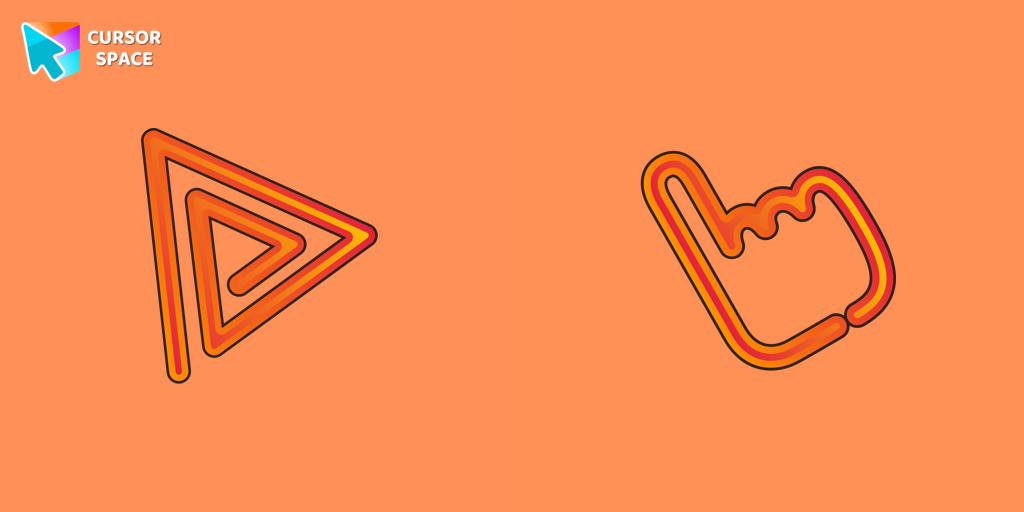 Orange Line cursorWhy settle for a default cursor when you can upgrade to The Orange Line and enhance your experience with The Cursors collection?
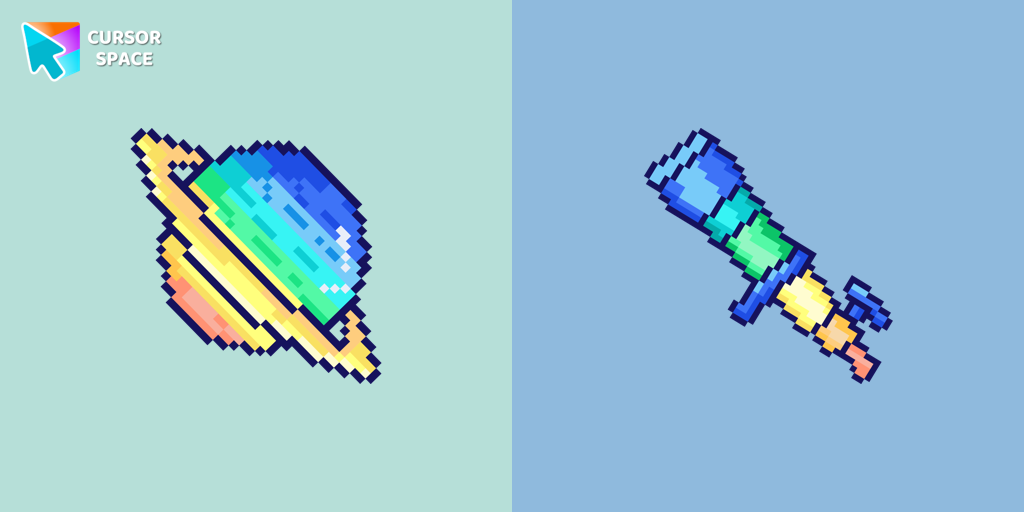 Saturn Pixel cursorSaturn Pixel custom cursor from our Cute Pixel cursors collection for mouse and pointer.
 Orange gradient cursorUpgrade your browsing with the Vibrant Orange Gradient Cursor. This custom cursor offers a seamless orange gradient, merging style with functionality
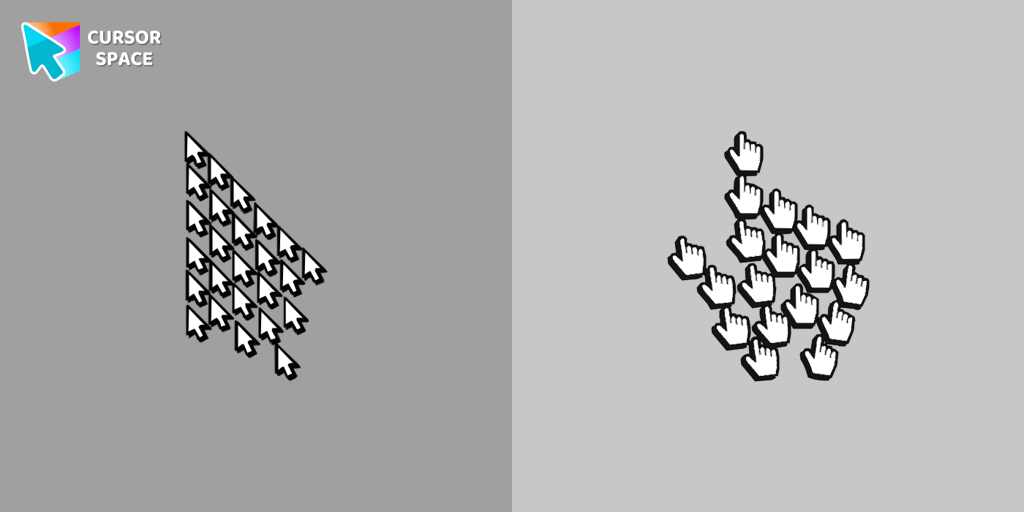 Multiple cursor prankExperience the fun of the Multiple Cursor prank with a custom cursor for Google Chrome. Add fake cursors to confuse and entertain while keeping only one functional.
Collection hits
Installation leaders from "Kawaii": free packs, neon/anime/pixel art, quick add to Chrome and Edge.
- Top 1
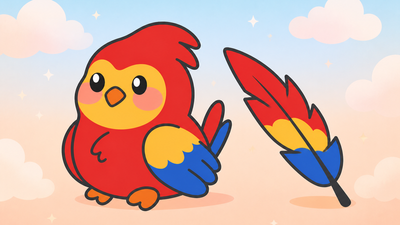 Kawaii Scarlet Macaw CursorCute Kawaii Scarlet Macaw Cursor with matching red-and-blue feather pointer for Chrome and Edge.
 - Top 2
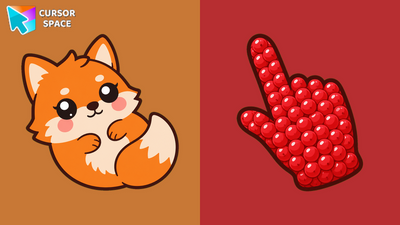 Kawaii Fox CursorCute Kawaii Fox Cursor with a berry pointing hand for Chrome and Edge.
 - Top 3
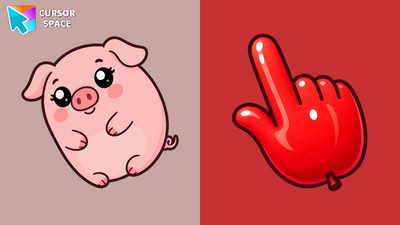 Kawaii Pig CursorCute Kawaii Pig Cursor with an apple pointing hand for Chrome and Edge.
 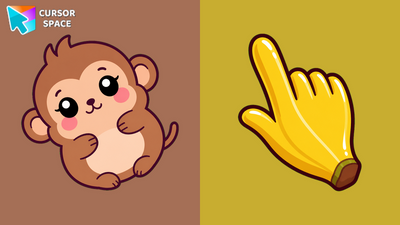 Kawaii Monkey CursorCute Kawaii Monkey Cursor with a banana pointing hand for Chrome, Edge and Brave.
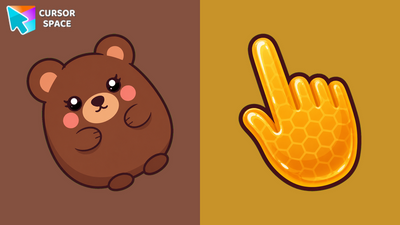 Kawaii Bear CursorCute Kawaii Bear Cursor with a honey pointing hand for Chrome, Edge and Brave.
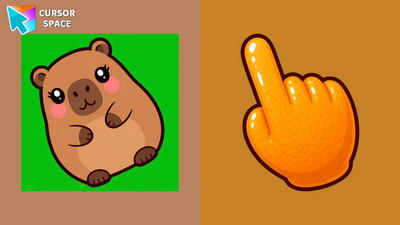 Kawaii Capybara CursorCute Kawaii Capybara Cursor with an orange pointing hand for Chrome and Edge.
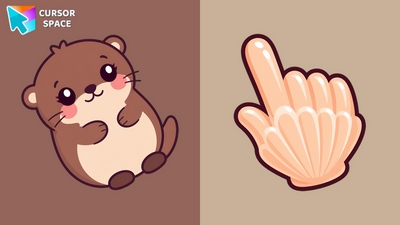 Kawaii Otter CursorCute Kawaii Otter Cursor with a clam pointing hand for Chrome, Edge and Brave.
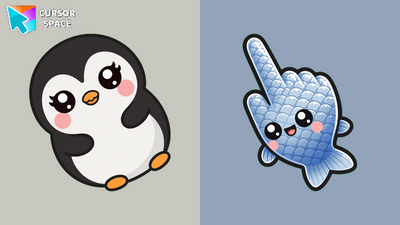 Kawaii Penguin CursorCute Kawaii Penguin Cursor with a fish pointing hand for Chrome and Edge.
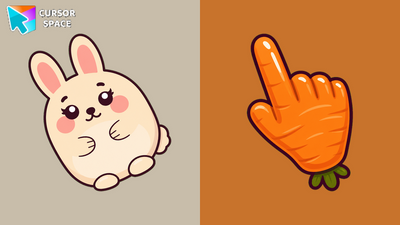 Kawaii Rabbit CursorCute Kawaii Rabbit Cursor with a carrot pointing hand for Chrome, Edge and Brave.
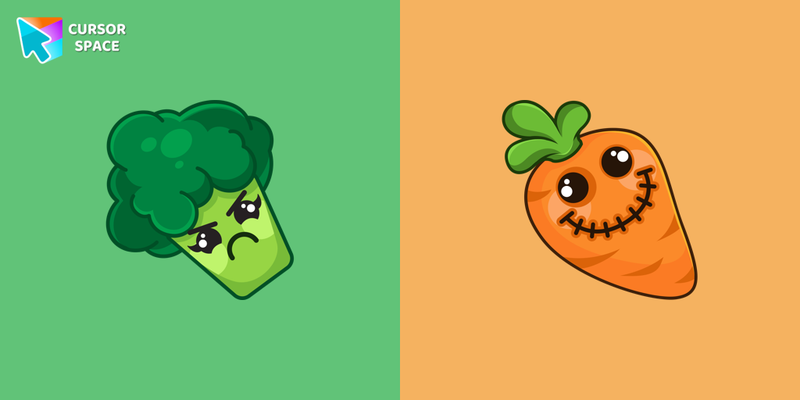 Kawaii Vegetable cursorSullen broccoli as a mouse cursor and a hover pointer with a funny carrot.
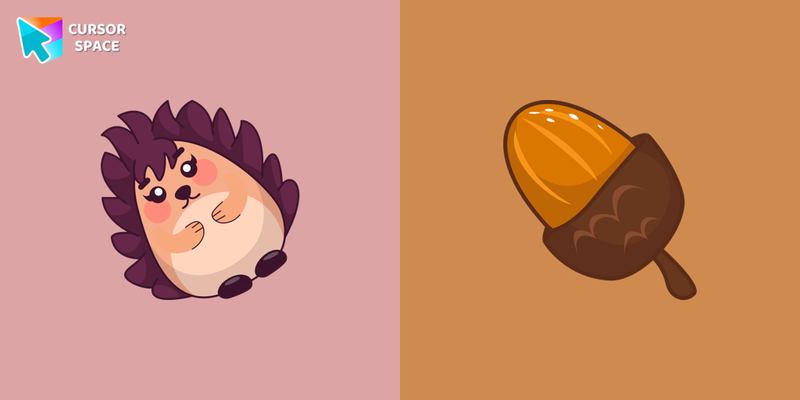 Kawaii Hedgehog cursorKawaii Hedgehog cute cursor for a mouse and acorn hover comes together with the custom cursor with Kawaii Hedgehog.
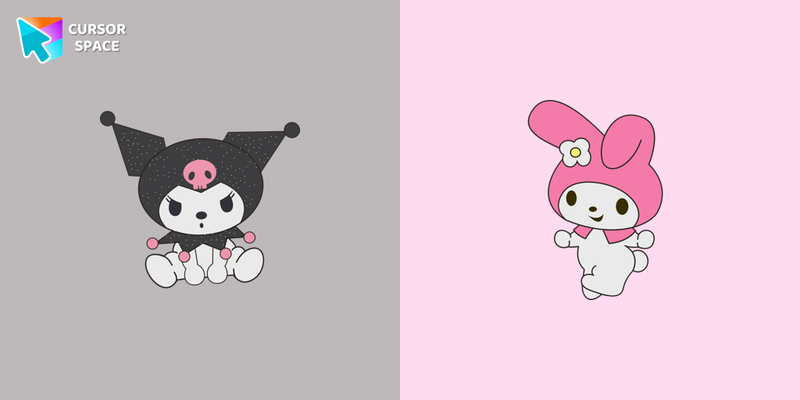 Kawaii Hello Kitty cursorAdd Hello Kitty cursor in the collection of custom cursors with Kawaii for the browser.
Install Cursor Space - A Collection of Custom Cursors for Chrome & Edge
Add packs instantly and unlock access to thousands of cursors: neon, anime, pixel-art, and more. Fast, safe, and free.
- Free cursor packs
- HD/HiDPI & animated icons
- Quick browser installation
Cursor Space is an extension for changing your mouse cursor in Chrome and Edge browsers: themed collections, HiDPI icons, neon, animated, and pixel cursors, with quick installation.